Spotify’s Web API is a RESTful API and gives you access to music artists, tracks, albums, public playlists, and user-specific data. The data access depends on the authentication you acquire.
So, I am going to write about acquiring the Authentication and Validation before I get to my project or analysis.
This process is quite similar to Accessing Twitch API or any other RESTful API for that matter.
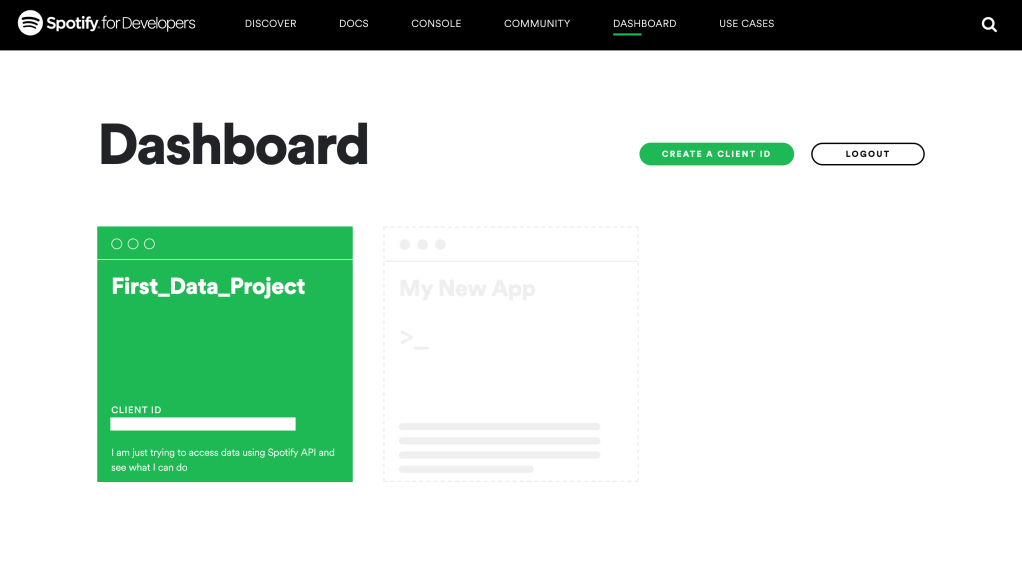
1. Create an account with Soptify for Developers at https://developer.spotify.com/. Go to your dashboard and register a new app.
2. Enter basic information and the purpose of your app. Once you do this you will get your Client ID and Client Secret.
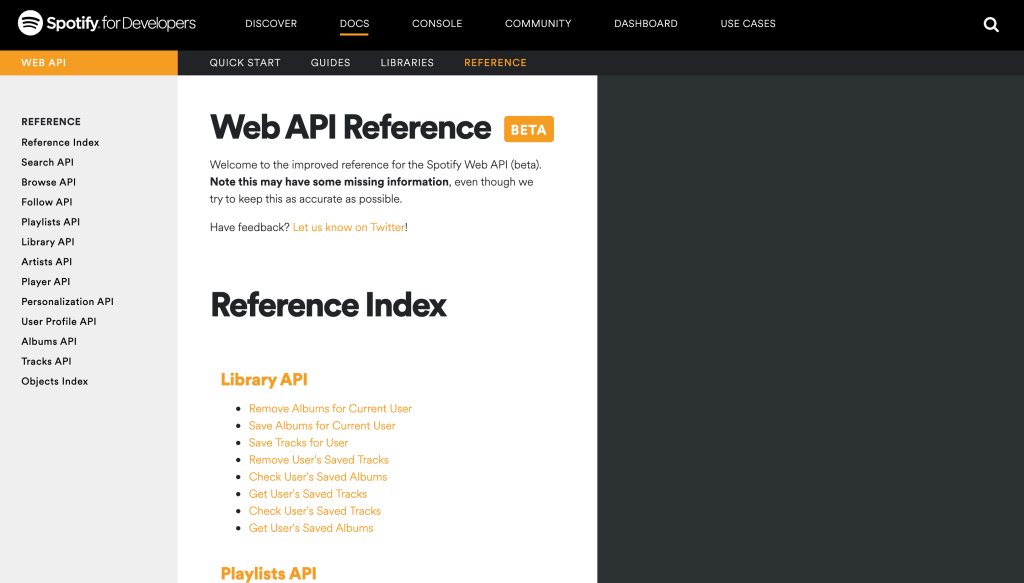
3. Check out Spotify’s Web API documentation to get a complete understanding of all the authentication flows and endpoints. Or stay tuned as I am going to cover it in my upcoming pieces.
I personally refer to the API Reference. It’s quite simple to understand and gives a comprehensive view of everything you need to get started.
4. Authenticating ourself to get the Access Token
I am using the Client Credentials flow because we do not need any user’s data as of now. Spotify’s Access Token’s last for 3600 seconds i.e. 1 hour.
This file contains hidden or bidirectional Unicode text that may be interpreted or compiled differently than what appears below. To review, open the file in an editor that reveals hidden Unicode characters.
Learn more about bidirectional Unicode characters
To authenticate, you need to encode your Client ID and Client Secret in your endpoint request. I am going to write a function that takes care of encoding and the request.
This file contains hidden or bidirectional Unicode text that may be interpreted or compiled differently than what appears below. To review, open the file in an editor that reveals hidden Unicode characters.
Learn more about bidirectional Unicode characters
You can call the function and pass the IDs as arguments but hold on. We can write another function directly for the request and call the base64-encode within that.
This file contains hidden or bidirectional Unicode text that may be interpreted or compiled differently than what appears below. To review, open the file in an editor that reveals hidden Unicode characters.
Learn more about bidirectional Unicode characters



 Kaivalya Powale
2 thoughts on “How to access Spotify API”